1. In a web browser, go to support.kstgllc.com or keystonesupport.zendesk.com
2. Click "Submit a Request"

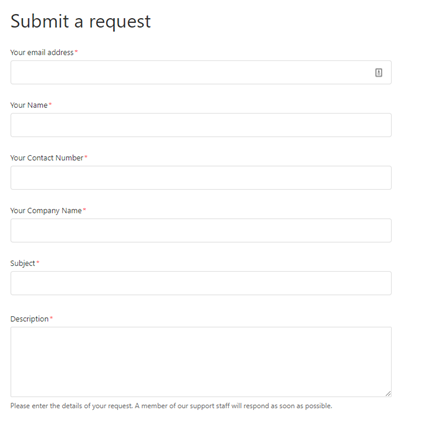
3. Fill out the request form with required fields, then click "Submit"


1. In a web browser, go to support.kstgllc.com or keystonesupport.zendesk.com
2. Click "Submit a Request"
3. Fill out the request form with required fields, then click "Submit"
Comments
0 comments
Please sign in to leave a comment.